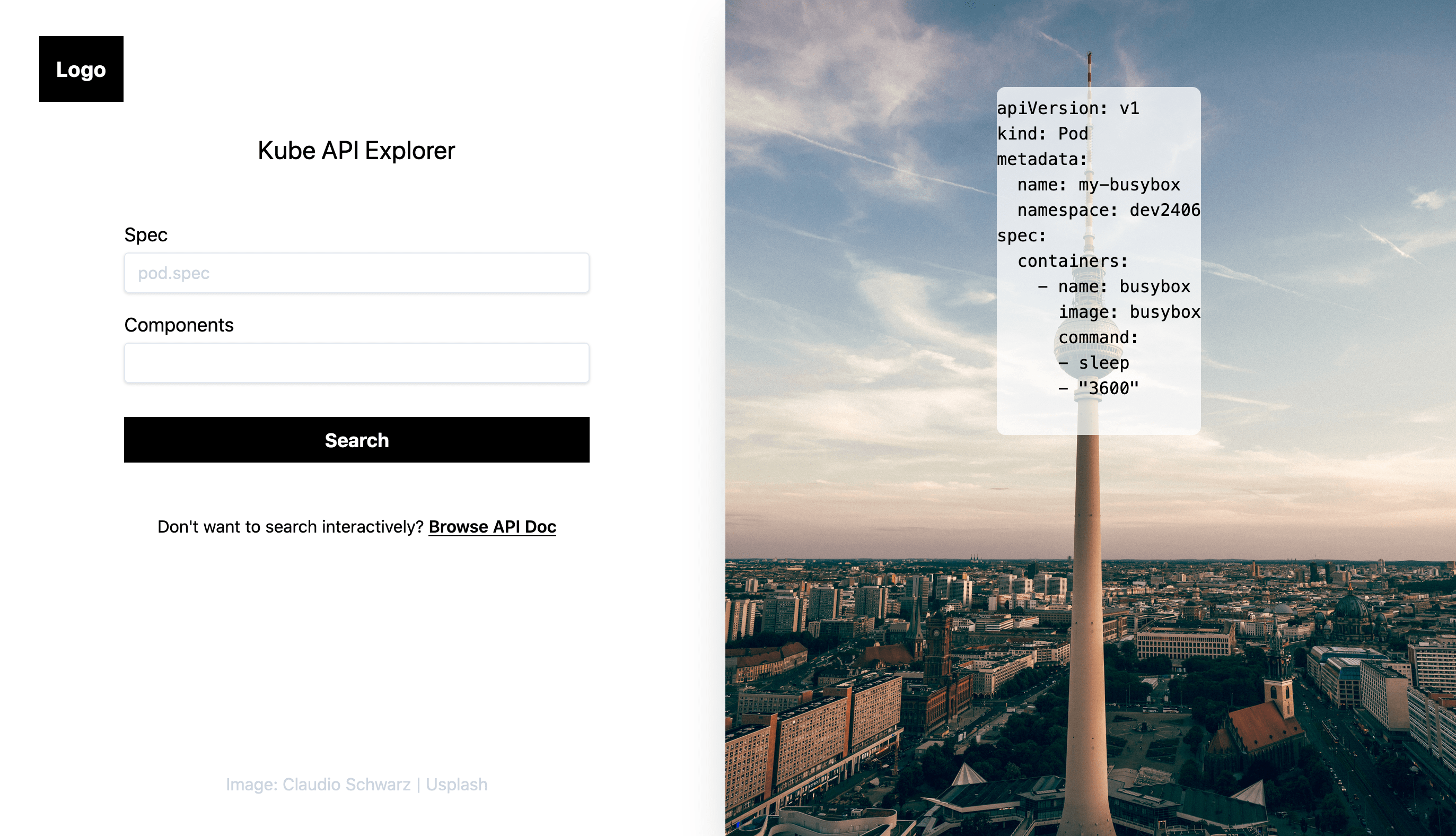
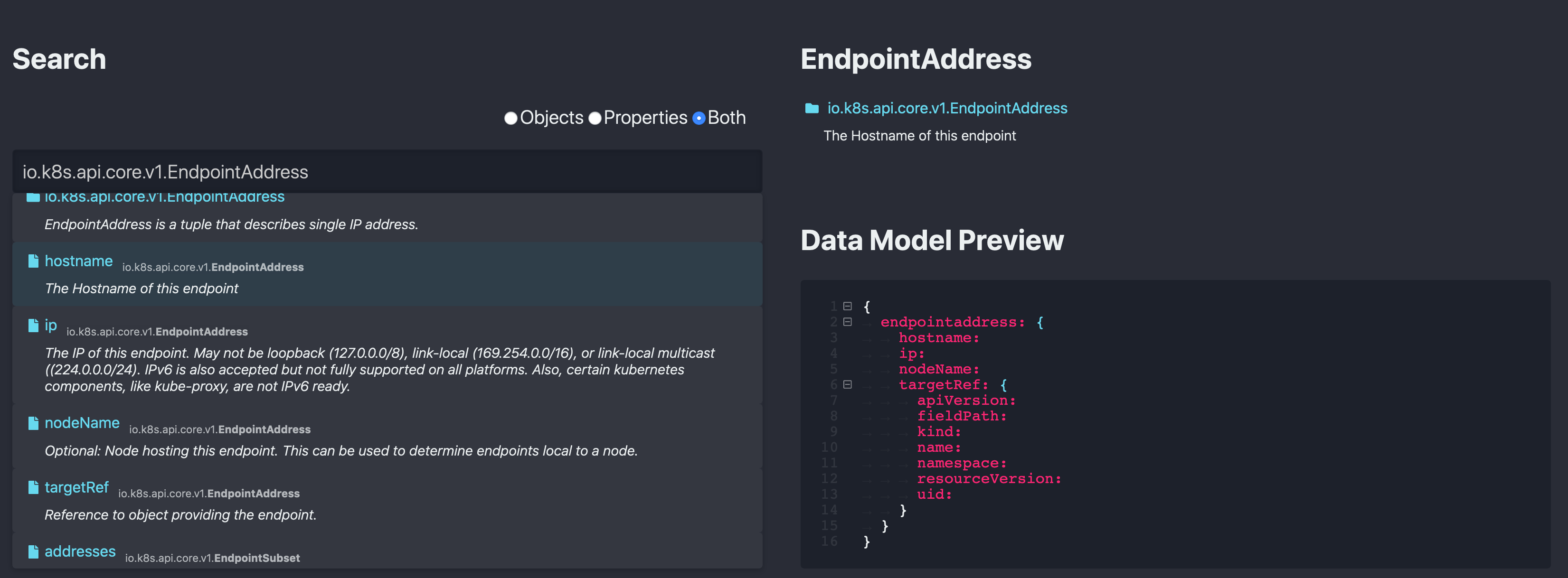
ApiBlaze is a tool to explore API specifications: Search for a keyword, filter for objects, properties, or endpoints, and immediately see descriptions and code examples. ApiBlaze helps you to answer a specific question about an API lightning fast. You can try it here: [apblaze.admantium.com](https://apiblaze.admantium.com).
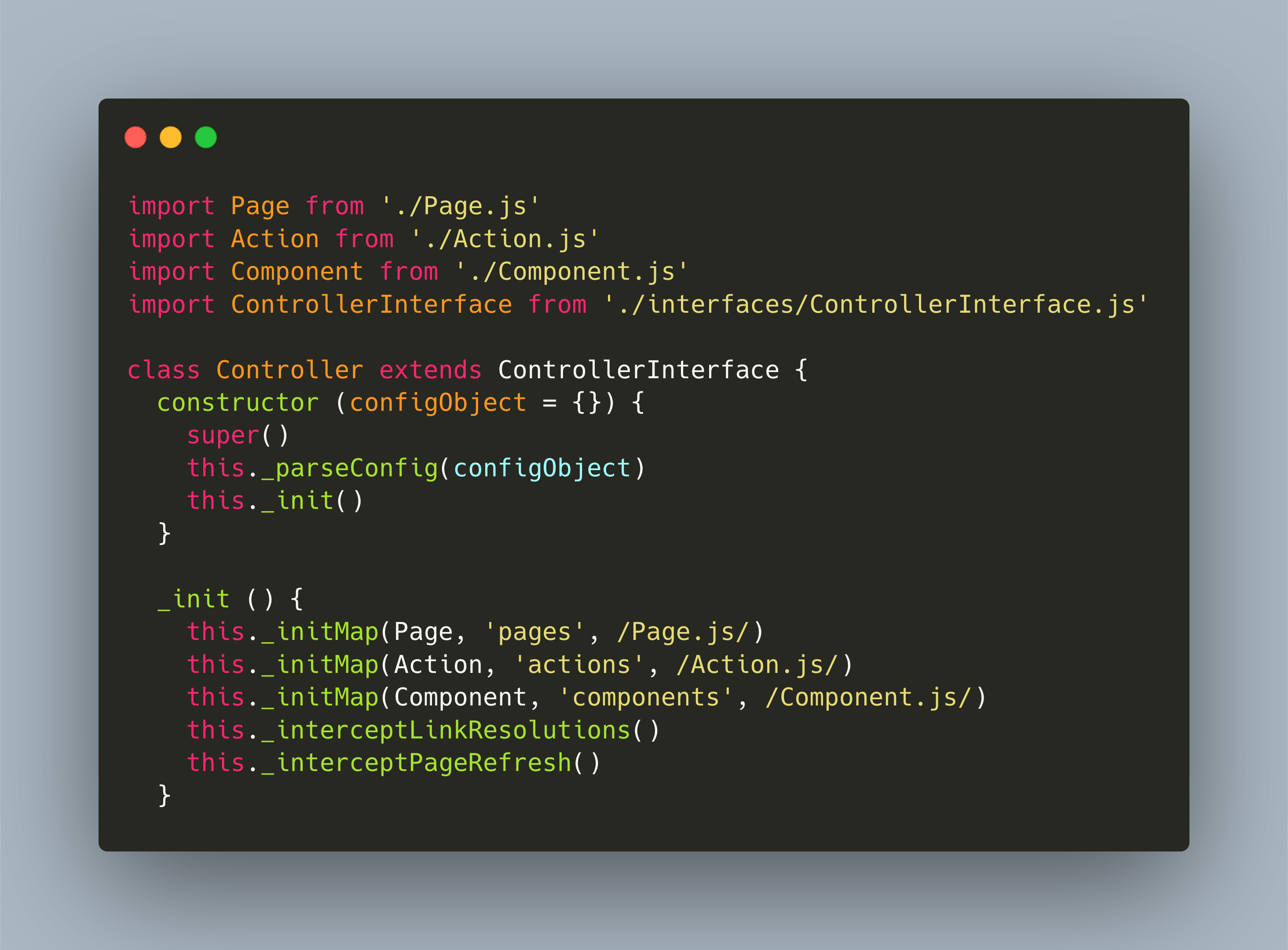
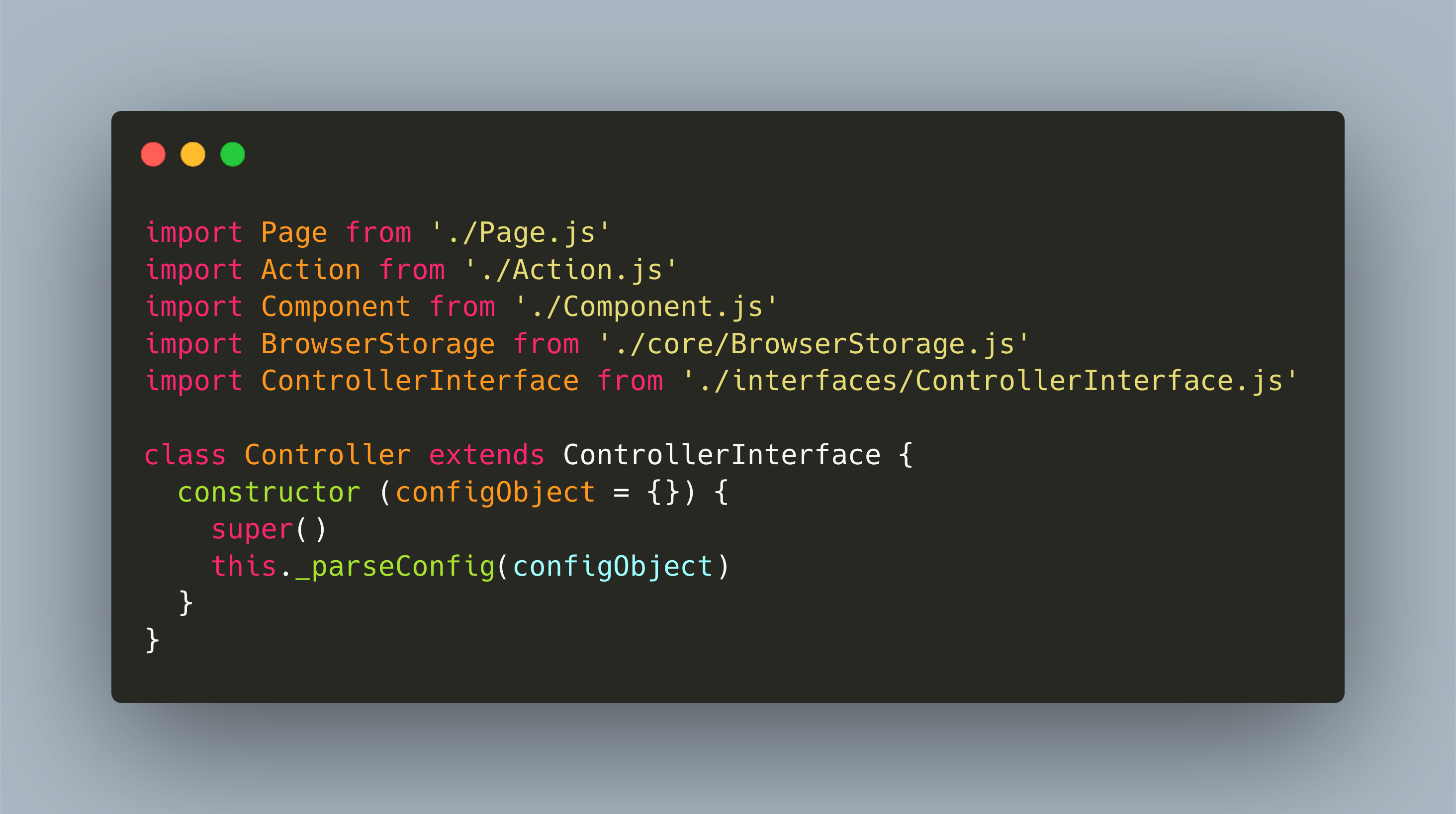
In my new blog post, I cover the essential design aspects of aIt is based on a custom JavaScript framework - SPAC, statefull pages, actions and components. Read about SPACs design in my new blog post
_ApiBlaze is a tool to explore API specifications: Search for a keyword, filter for objects, properties, or endpoints, and immediately see descriptions and code examples. ApiBlaze helps you to answer a specific question about an API lightning fast._
ApiBlaze is my new project, and this is the first post in a developer journal series - a set of related posts that cover individual aspects of the design, implementation and technologies. In this very first article, I explain the motivation, the key features, technologies and requirements to start the realization of ApiBlaze.
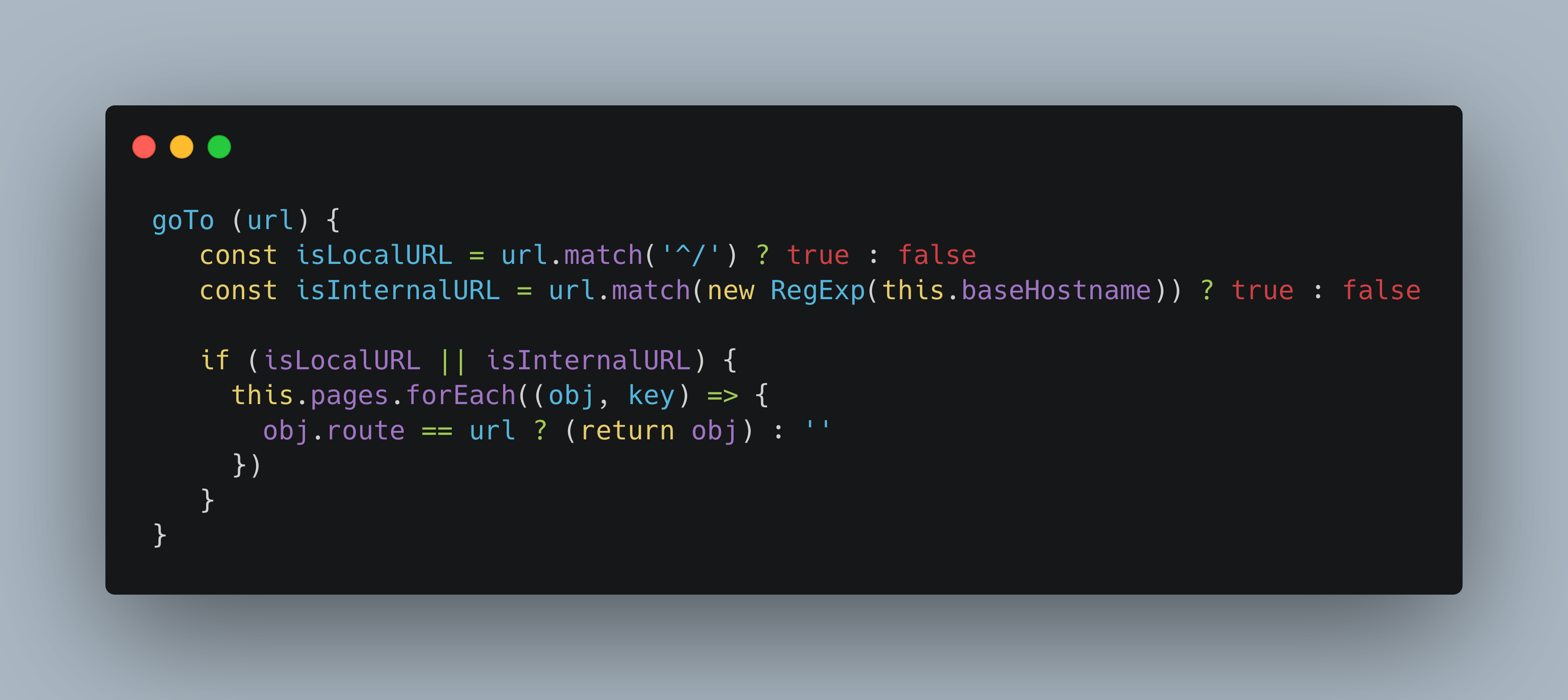
JavaScript is a fascinating and well-used language. From server-side NodeJS applications to frontends with PlainJS or frameworks like React, it powers many services. Since 2019 I have been working on several projects to learn and explore JavaScript. This blog post is a short recap of those projects, and then gives an outlook to my newest endeavor.
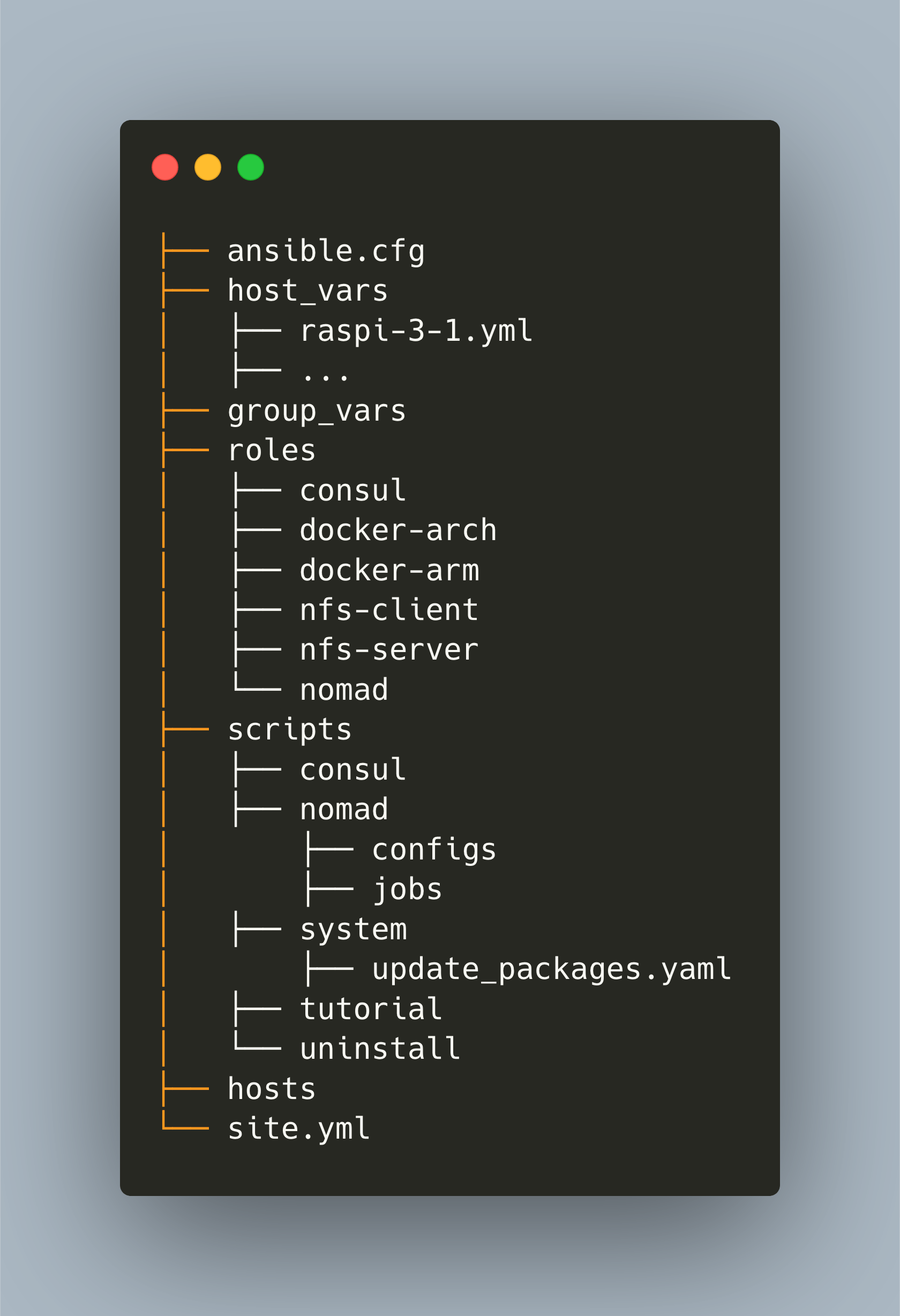
Effective Ansible playbooks are idempotent: They change a system to the very same state independent of the systems current state. To achieve this, a clearly structured directory layout and custom uninstaller tasks are helpful. Learn more in my new article: https://admantium.com/blog/a05_idempotent_playbooks
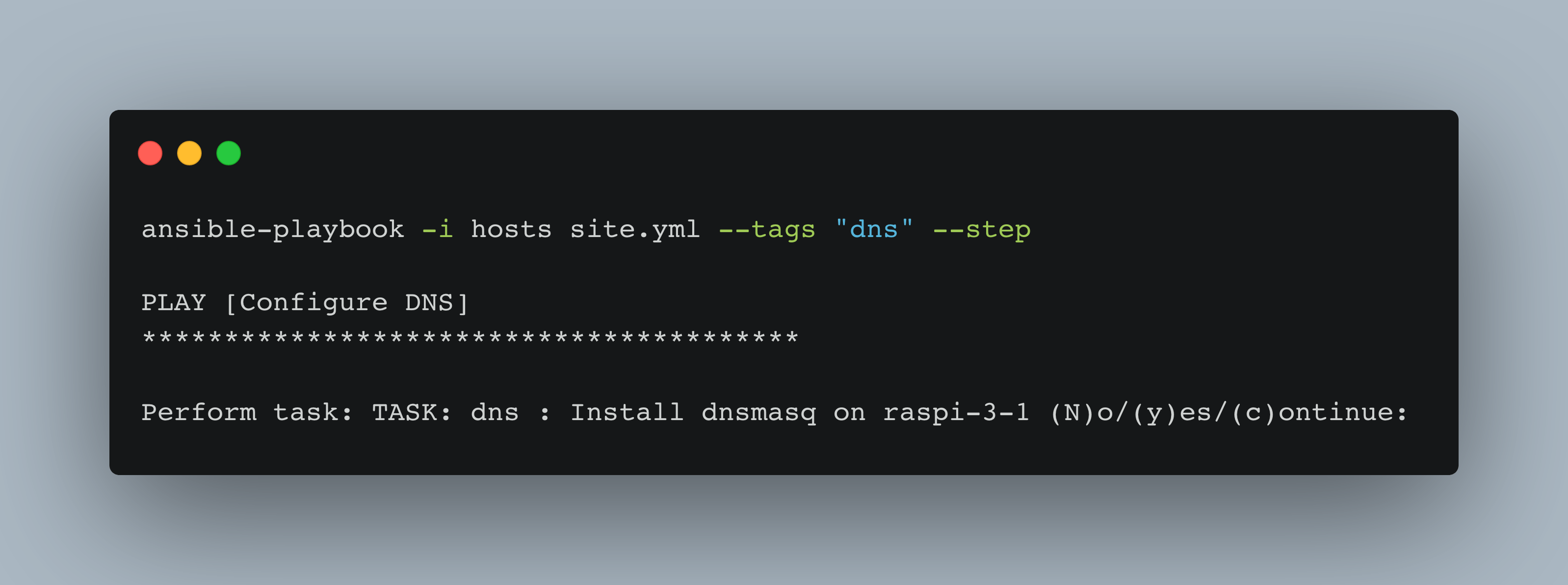
Running Ansible professionally leads to the one and only `site.yml` file, defining which roles and tasks should be executed on each host. But now, how can you only run specific tasks, targeting specific hosts? Learn about cmdline flags in my new article: https://admantium.com/blog/a04_controlling_task_execution
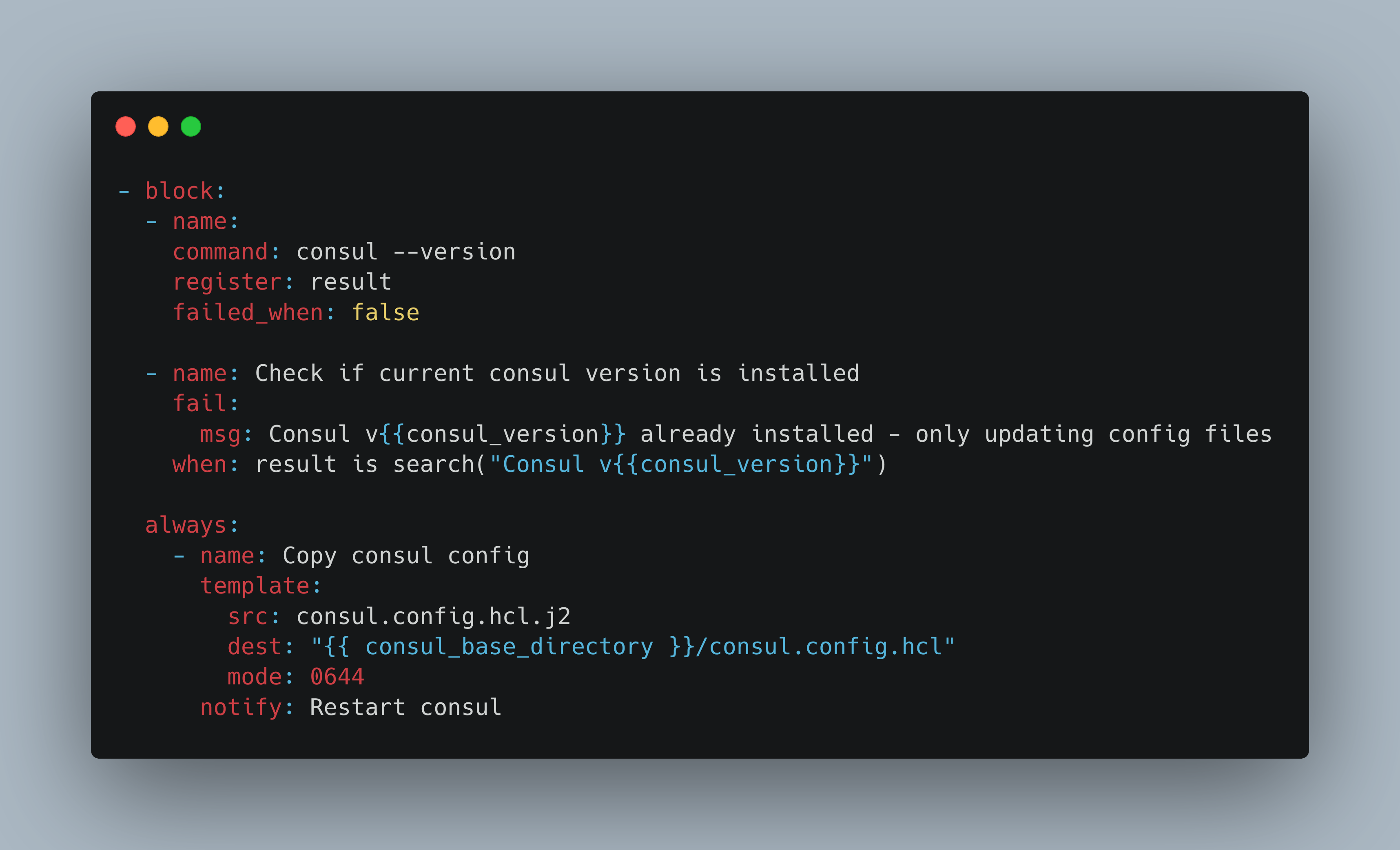
When you execute an Ansible playbook, all actions are run top-down, in the order they are written. There are cases when you need more control, such as defining when to execute an action, defining when to stop an action, branching the control flow, and controlling action results.
Running Ansible tasks takes some time to complete. You can greatly reduce this time by using SSH multiplexing and pipelining, and by stopping or caching the fact gathering steps. Let’s discuss these optimizations in detail.